


01 / Original Sprunki music mix
Fun Time! - Incredibox Sprunki Mix
LyteWork / YouTube
Free browser music game
Create a Sprunki music mix with beats, melodies, effects, and vocals. Open the game or try the player below, then explore the beginner guide and gameplay videos.
The game is provided by AZ Games. Open the game on the provider site if the player does not load.
Explore more games
Discover Sprunki music mixes, character adventures, and quick puzzles. Each Sprunki mod has its own game page with controls and a provider link.

Play Sprunki Pyramixed Playtime online. Explore a colorful Sprunki world with hide-and-seek and parkour challenges.

Play My Talking Sprunki online. Interact with a playful Sprunki character through dressing, coloring, and music activities.
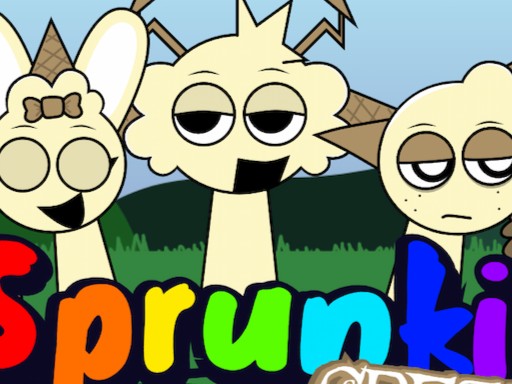
Play Sprunki Retake Creamy online. Mix sound loops with redesigned Creamy-inspired Sprunki Retake characters.
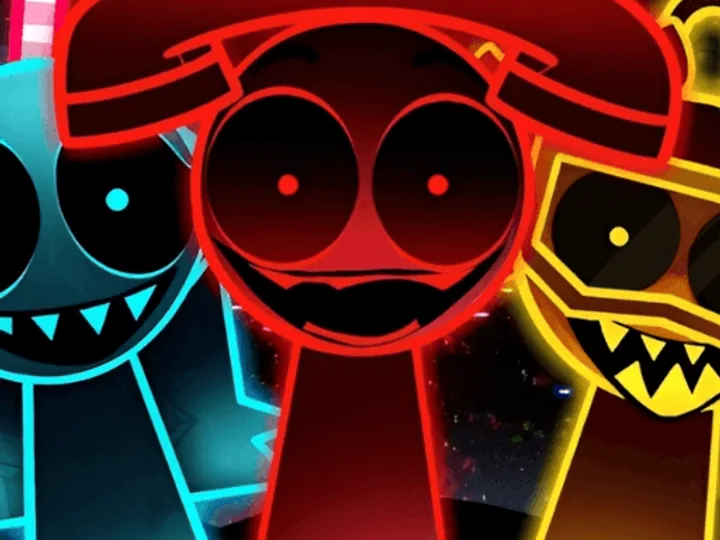
Play Sprunki Beat Attack online and follow the rhythm through quick timing challenges featuring the Sprunki cast.
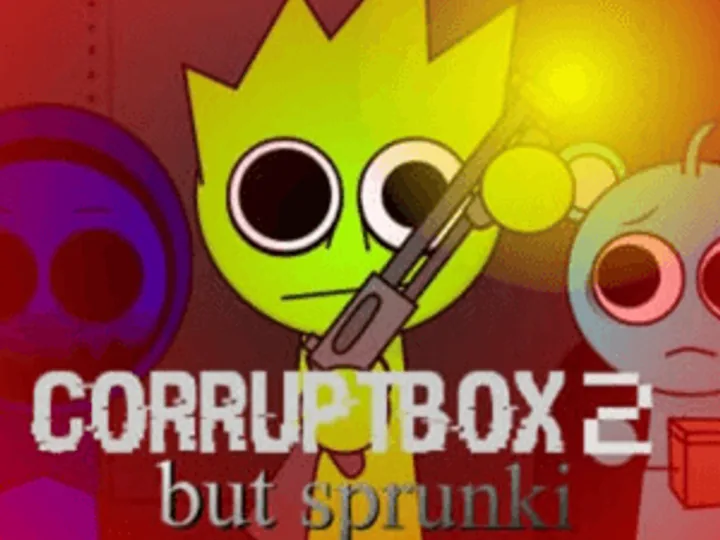
Play Sprunki Corruptbox 2 online and assemble distorted beats, vocals, and effects in a glitch-horror music mod.
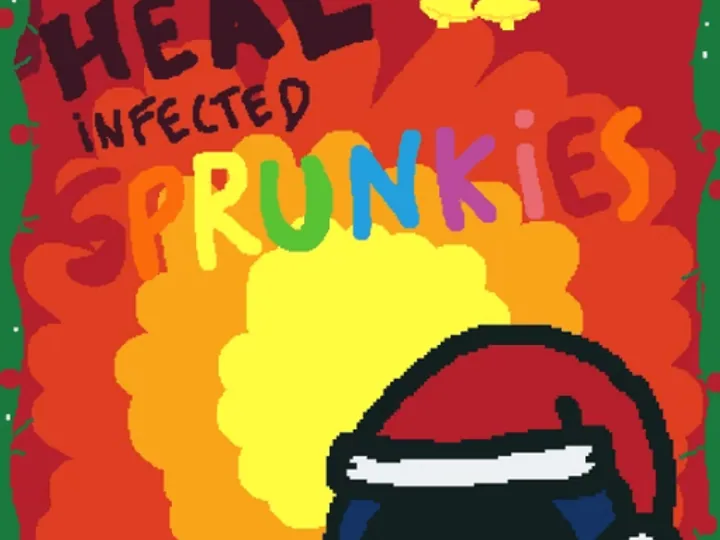
Play Heal Infected Sprunkies online and use visual clues to treat infected characters in a darker care puzzle.
Play Sprunki But Will You Adopt Simon online and make simple care choices in a short Simon character story.
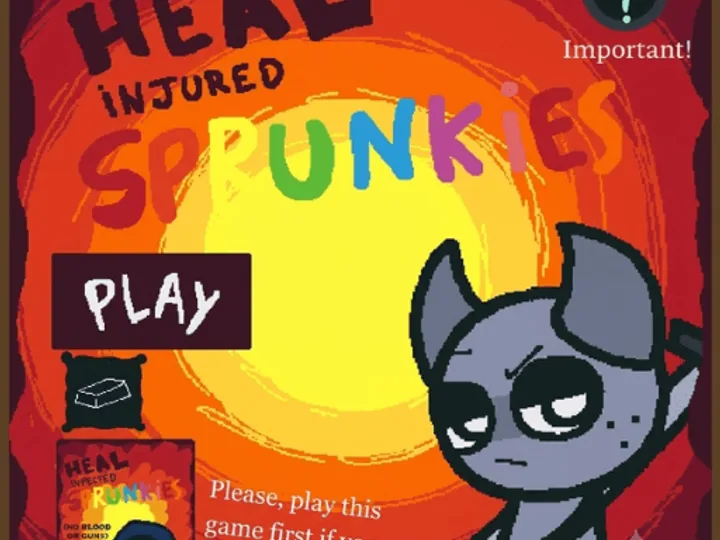
Play Heal Injured Sprunkies online and treat familiar characters through short observation and care-based puzzle scenes.

Play Sprunki Will You Adopt Durple online and explore a short interactive character story centered on caring for Durple.
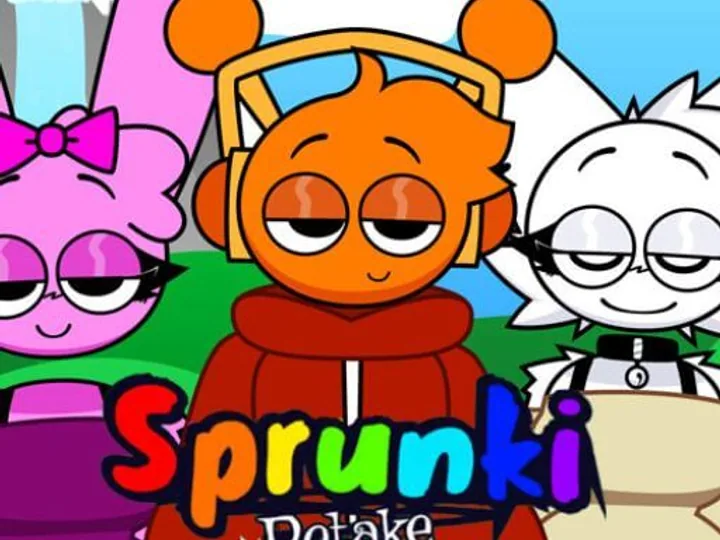
Play Sprunki Retake Human New online and build layered music mixes with redesigned human versions of the Sprunki cast.
Game overview
Sprunki is a browser music creation game inspired by character-based beat mixing. Choose performers with different sounds, place them on the stage, and layer beats, melodies, effects, and vocals into your own track. The game begins with a bright playful style and also includes a darker musical transformation to discover while experimenting.
Play Sprunki online to build your own music instead of following a fixed song. Each character adds a different sound, so changing the lineup changes the rhythm, melody, and mood. Start with the original browser game above, or explore Sprunki mods for new characters and game styles.
Beginner controls
Sprunki uses simple drag-and-drop controls. Follow these steps to create your first track in the free browser game:
Choose a sound icon and drag it onto an empty performer position.
Add performers gradually and listen to how each new layer changes the track.
Replace or remove characters to balance beats, melodies, effects, and vocals.
Experiment with special combinations to reveal alternate sounds and visuals.
Music and mod guide
A good Sprunki mix starts with one clear rhythm. Open Sprunki, choose a Sprunki beat icon, and place it on an empty performer. Let that Sprunki sound loop several times before you add another character. A steady pulse makes it easier to hear what the next Sprunki layer contributes. If two Sprunki beats compete for attention, remove one and listen again. Sprunki gives you room to experiment without a score or a timer, so there is no need to fill every position immediately. The first useful decision in Sprunki is simply which Sprunki sound should carry the track.
Once the rhythm feels stable, add a Sprunki melody or Sprunki effect that leaves space around the Sprunki beat. Try one Sprunki character at a time and notice whether the track feels fuller, busier, or calmer. Replacing a performer is a normal part of making Sprunki music. You can test several Sprunki combinations in the same session and keep the version that sounds best to you. This small-step approach is especially helpful when you are learning Sprunki controls for the first time, because each new Sprunki sound has an obvious Sprunki effect on the mix.
Sprunki characters play different musical roles. Beat characters give Sprunki a repeating pulse; Sprunki melody characters add notes that people can follow; effects change the texture; and vocals add a voice or phrase. Thinking in these four groups turns Sprunki from a wall of icons into a set of musical choices. Start with one Sprunki beat and one Sprunki melody, then decide whether a Sprunki effect or a Sprunki vocal helps the idea. You do not need one character from every group. A sparse Sprunki mix can be more memorable than a crowded Sprunki stage.
Listen for overlap when you build a Sprunki track. If two Sprunki melodies occupy the same space, one may hide the other. If a Sprunki vocal makes the Sprunki beat hard to hear, swap the Sprunki vocal or lower the number of active performers. The browser game gives immediate feedback, so you can compare Sprunki arrangements by changing only one Sprunki sound at a time. That habit teaches you which Sprunki character creates a particular rhythm, tone, or transition. It also makes it easier to recreate a Sprunki mix after you clear the stage.
The familiar Sprunki mixer gives you seven performer positions. Each occupied position plays the Sprunki sound of its assigned Sprunki icon, so the stage becomes a visual map of your track. You can begin with fewer than seven performers. Try a three-part Sprunki arrangement with a Sprunki beat, a Sprunki melody, and a Sprunki vocal before filling the remaining spaces. That leaves room to hear each character clearly. When you add a fourth Sprunki performer, ask what role it serves. A new Sprunki sound should support the musical idea rather than simply make the stage look full.
Use the open positions to compare alternatives. Place one Sprunki effect next to your existing rhythm, listen, and then replace that Sprunki effect with another. Repeat the same Sprunki test for a Sprunki vocal or Sprunki melody. These quick comparisons make the seven-position limit useful: Sprunki asks you to choose, edit, and balance. You can create a fast Sprunki loop, a slower atmospheric Sprunki mix, or a playful combination from the same set of controls. The performer slots do not prescribe a correct answer; they give your choices a clear structure.
Before making a long Sprunki arrangement, decide how the track should feel. A bright Sprunki mix may use a simple Sprunki beat and cheerful Sprunki melody. A darker Sprunki mix may depend on a sparse pulse, a rougher Sprunki effect, and a restrained Sprunki vocal. That decision helps you choose characters with a purpose. If the mood changes by accident, pause and identify which Sprunki sound caused it. Keeping or replacing that one Sprunki performer is faster than clearing the whole stage. You can then build the rest of the Sprunki track around the mood you actually like.
Try making two versions of the same Sprunki idea. In the first Sprunki version, use only a Sprunki beat and Sprunki melody. In the second, keep those sounds and add a Sprunki effect or Sprunki vocal. Listen to how much the extra Sprunki layer changes the result. This is a useful exercise for beginners because it shows that more sounds do not automatically mean better Sprunki music. Sprunki rewards careful listening, even though the controls are simple. A focused Sprunki loop can feel complete with only a few performers, while a fuller Sprunki arrangement needs more attention to balance.
The contrast between playful Sprunki music and darker visuals is a recognizable part of Sprunki. In versions that include the transformation, certain Sprunki character choices can change the scene and the Sprunki sound. Treat that phase as another way to experiment with mood rather than a required objective. Some Sprunki mods use different triggers or provide a separate horror setting, so a combination shown in one Sprunki video may not work in another game. The player above is the place to test the current Sprunki version, while each mod page explains its own specific controls.
If you prefer the lighter Sprunki presentation, keep mixing without trying to trigger a darker phase. If you want to explore it, change one Sprunki performer at a time and listen as the Sprunki music shifts. You may notice a new Sprunki effect, a different Sprunki vocal tone, or a changed background before the full transformation appears. Sprunki videos can offer inspiration, but they often show another build or mod. For a reliable Sprunki session, use the controls and feedback in the game you actually opened. That keeps the experience playful and avoids assuming that every Sprunki mod shares the same hidden rules.
A Sprunki mod is not always another version of the original Sprunki music mixer. Some Sprunki mods add redesigned performers and fresh loops, while other games use Sprunki characters in a puzzle, care activity, or platform challenge. The Sprunki Mod collection above includes both kinds. Read a Sprunki game page before launching it: the description tells you whether you will arrange sounds, steer a character, solve a puzzle, or explore a scene. This small check makes browsing Sprunki mods more useful than choosing only by a familiar cover image.
For Sprunki music creation, start with a Sprunki mod that describes Sprunki sound layering and character placement. For a short challenge, a Sprunki puzzle or runner may fit better. A Sprunki horror game can emphasize atmosphere or movement instead of mixing. Because these Sprunki experiences come from different providers, controls and mobile support also vary. The Sprunki Mod section gives each game its own page with a goal and basic instructions. That lets you compare Sprunki choices without treating every title as the same game with a different name.
Music-centered Sprunki mods keep the creative loop at the center: choose a character, hear a Sprunki sound, and adjust the arrangement. Puzzle-centered Sprunki games ask you to reach an answer or complete a level. Care and story games use Sprunki characters for interaction rather than composition. These differences matter when you want a specific kind of session. A Sprunki mixer can be open-ended, while a Sprunki puzzle gives you a finish line. Neither style is the default choice for everyone, and the catalog is clearer when each Sprunki game explains what you actually do.
Try moving between styles when your current Sprunki routine feels repetitive. After making a few Sprunki mixes, a puzzle can change the pace. After a short Sprunki platform game, returning to the Sprunki music stage can feel more relaxed. Look at the tags and the how-to-play section on each Sprunki detail page for a quick comparison. Those details also help you avoid confusing an unofficial Sprunki spin-off with the original browser mixer. Funnie Game lists provider information so you can see where a Sprunki experience comes from before you play.
One useful Sprunki exercise is to leave at least two performer positions empty. Build a small Sprunki groove and listen for the strongest part. Add one Sprunki effect, then remove it and decide which version communicates the idea better. Repeat with a Sprunki vocal. This process makes editing feel like part of play, not a sign that the first attempt failed. The best Sprunki combination for one Sprunki beat may be wrong for another. By testing a single change, you can hear exactly why a Sprunki track improves or becomes harder to follow.
Another Sprunki exercise is to make a call-and-response feeling. Choose one Sprunki melody with a clear phrase and support it with a different Sprunki vocal or Sprunki effect that leaves room around that phrase. Sprunki sounds loop automatically, so the timing may be fixed, but the character selection still changes what stands out. If the result feels crowded, remove a Sprunki performer before adding another. A good Sprunki mix is easy to recognize after a few loops. That is a more useful goal than collecting as many Sprunki sounds as the stage will hold.
You can start Sprunki from the iframe near the top of this page. The Sprunki game is hosted by a third-party provider and displayed here for convenience. If Sprunki does not load in your browser, use the provider link below the player to open the same game directly. Browser settings, network filters, or provider changes can affect an embedded Sprunki session. Opening the provider page is the practical fallback; it does not require learning a different Sprunki game. Check the game page again later if an iframe stops working.
Other Sprunki mods in the catalog may use another provider. Some Sprunki games open inside their detail page after you press Play, while a few must open on the original site. A link icon on a Sprunki card signals that provider-site route. The Sprunki detail page explains the choice and offers a direct link. This keeps a Sprunki title discoverable even when framing is restricted. It also helps you find the original source of a Sprunki experience, which matters when a provider updates controls, changes availability, or publishes a new version.
A mouse or trackpad makes dragging Sprunki icons onto performers straightforward. On a phone, Sprunki touch controls may work, but the smaller stage gives you less space for precise selection. Rotate your phone or try a larger tablet if the Sprunki interface feels cramped. The exact behavior depends on the embedded provider and the Sprunki version. Before assuming a Sprunki sound is unavailable, wait for Sprunki to finish loading and try a deliberate tap or drag. Some Sprunki mods use on-screen buttons rather than the original mixer controls.
If a Sprunki game freezes on a mobile browser, open its provider link and try again there. Closing other heavy tabs can also make a Sprunki session smoother, especially when a mod uses more animation than the original game. You do not need to install an unrelated Sprunki app to use the browser game linked here. Be cautious with pages that ask for downloads or permissions that a simple Sprunki music game does not need. The catalog describes browser-based Sprunki play and points to the provider of each listed title.
The Sprunki videos below show Sprunki music mixes, phase experiments, and full playthroughs from different creators. Watch a Sprunki video to hear how another player combines beats and vocals, then return to the player to test your own version. A video can reveal a useful Sprunki rhythm or an unexpected character pairing, but it does not have to become a fixed recipe. Some videos feature Sprunki Retake, Pyramixed, or other mods with their own Sprunki sound sets. Compare a creator’s Sprunki game title with the page you are playing before expecting the same result.
A simple way to study a Sprunki mix is to focus on one layer at a time. Listen for the Sprunki beat first, then identify the Sprunki melody and any Sprunki effect that changes the mood. Pause the Sprunki video and try to build a similar structure rather than matching every icon. When you return to the video, notice which Sprunki character you chose differently. That comparison teaches more than replaying a sequence without listening. Sprunki remains a creative game, so the best lesson from a Sprunki video is a method you can reuse in a fresh track.
When you have only a few minutes, the original Sprunki mixer is easy to revisit because a new combination can begin immediately. A short Sprunki puzzle can also give you a clear objective in one sitting. Look for the goal on each Sprunki detail page: it may describe making a Sprunki melody, guiding a team, solving levels, or helping a character. That one sentence tells you more than a broad category label. The Sprunki catalog mixes creative and challenge-based games, so it is worth choosing by action rather than assuming every Sprunki title is another Sprunki music editor.
For a longer session, try developing a Sprunki idea across several passes. Make a base Sprunki rhythm, add Sprunki melody, test effects, then return to the original arrangement and compare. You can also open a second Sprunki mod to hear how another cast changes the style. Keep provider tabs organized so you know which Sprunki game is playing audio. If you want to find a title again, its Sprunki detail page has a stable link. This makes it easier to return to a favorite Sprunki mod without searching through a long list of similar names.
The name Sprunki appears on many fan games, but the mechanics are not identical. One Sprunki mod may let you drag icons onto a stage; another may ask you to steer through hazards or choose objects in a scene. The Sprunki page for each title describes its goal and controls so that you can start with the right expectation. This is especially useful when a Sprunki thumbnail features familiar characters but the game belongs to a different genre. Treat the description as a quick orientation, then follow the instructions shown by the game provider.
If a Sprunki mod behaves differently from a video, check whether the video shows an older update or another variant. A Sprunki title can also change after its provider updates the hosted game. Use the original-site link when you need the provider’s latest notes or when an embedded Sprunki player does not load. Funnie Game does not control the code of these third-party Sprunki games. The practical rule is simple: read the Sprunki detail page, open the game, and use the controls visible in that version rather than relying on one universal shortcut.
The appeal of Sprunki is how quickly a small choice changes a track. Swapping one Sprunki beat can make a playful Sprunki melody feel urgent; replacing a Sprunki vocal can make the same arrangement feel lighter. Use the original Sprunki game when you want open-ended Sprunki music creation, and use the Sprunki Mod collection when you want a new cast, a puzzle, or another style of play. The collection is a directory of distinct games, not a promise that every Sprunki mod has the same controls, phases, or availability.
You can return to this page for the main Sprunki player, the Sprunki beginner steps, video examples, and answers to common questions. For a specific Sprunki mod, open its own page to read the objective before launching it. That path makes exploration manageable: start with Sprunki, learn how the core Sprunki sound layers work, then compare the mod that interests you. Whether you prefer a bright mix, a darker Sprunki atmosphere, or a short character challenge, a deliberate first choice will help you enjoy the next Sprunki session.
Watch and learn
Watch character combinations, complete playthroughs, and creative Sprunki music mixes. These creator videos show different versions and mods, so controls and available sounds may vary from the game above.
01 / Original Sprunki music mix
LyteWork / YouTube

02 / Character combinations
Ahe Zame / YouTube

03 / Sprunki phases gameplay
Caylus / YouTube

04 / Retake music mix
LyteWork / YouTube

05 / Mixing across modes
Sprunki Sunny / YouTube

06 / Sprunki game variations
Caylus / YouTube

07 / Full gameplay without commentary
Nocom / YouTube

08 / Pyramixed character mix
LyteWork / YouTube

09 / Phase 3 music mix
LyteWork / YouTube

10 / Sprunki 1996 mix
LyteWork / YouTube
Quick answers
Sprunki is a browser music creation game where character combinations produce beats, melodies, effects, and vocals.
No. The game runs in a modern web browser after you press Play on the game page.
Yes. You can remove or replace performers at any time to change the rhythm, mood, and balance of your track.
Yes. Open the free browser game on AZ Games, or try its embedded player above. No separate download is required. If the embedded player stays blank, use the provider link to play directly.
Drag a sound icon onto an empty performer to add a beat, melody, effect, or vocal. Add more characters one at a time, then remove or replace sounds until the mix feels balanced.
Experiment with character combinations while mixing. Some combinations change the sounds and visual mood; the exact result depends on the version of the game you are playing.
You can try the browser game on a mobile device, though drag-and-drop controls and the embedded player may work best on a larger screen. If the player does not start, open the provider link beneath it.
Browse the Sprunki Mod collection above for music mixes, character stories, puzzle games, and other Sprunki experiences.